
MDaemon® Email Server for Windows Screen Shots

Account Manager

MDaemon:
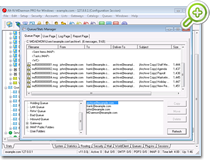
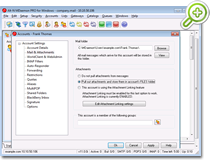
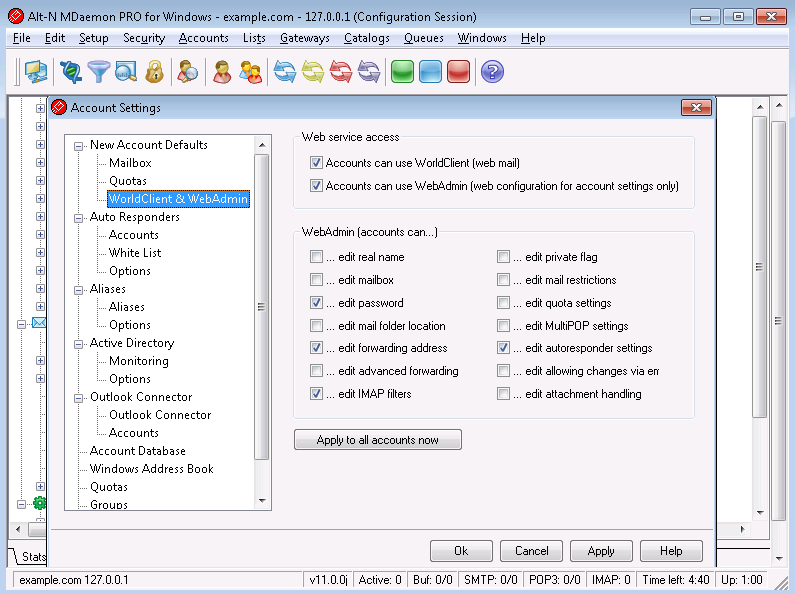
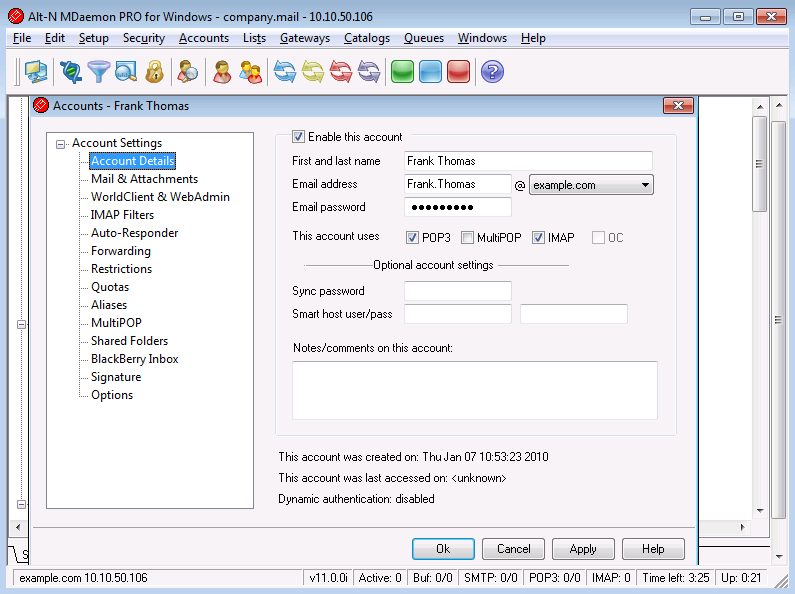
Account Manager screen shot

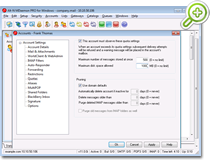
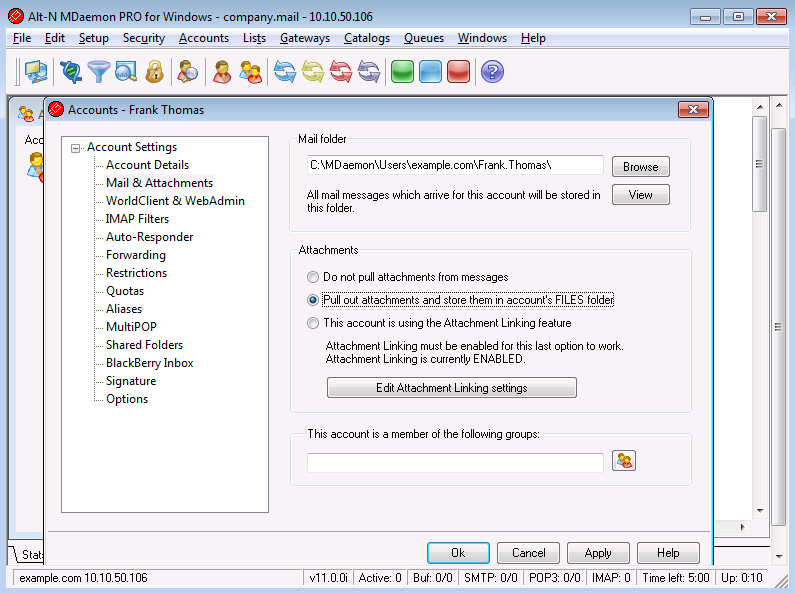
MDaemon's Account Manager allows you to manage your user accounts and specify new user account defaults, import new users into MDaemon from .csv or .txt user list files. You can also sort your user list by each or all domains to easily locate accounts.


Main GUI

MDaemon: Main GUI
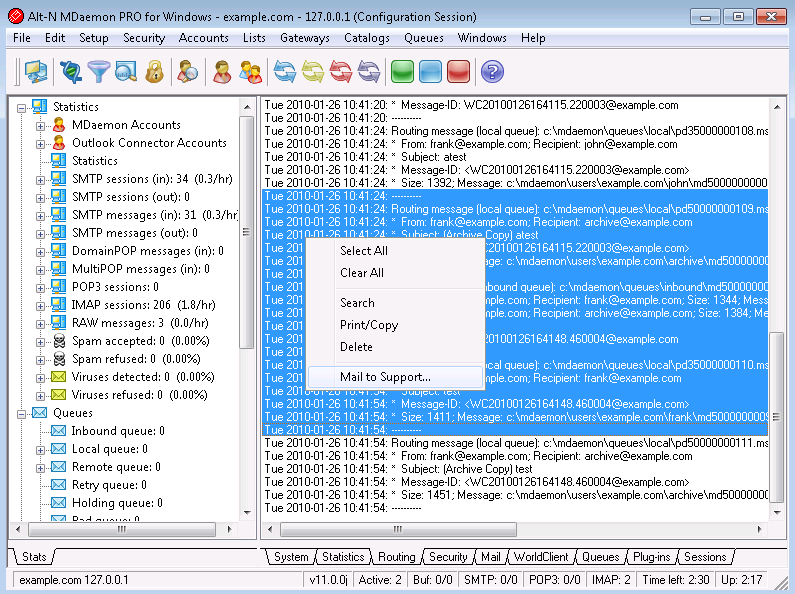
screen shot

The main MDaemon GUI is the access point to all of MDaemon's functions.


Lookout Theme

MDaemon:
Lookout Theme screen shot

The Lookout Theme for MDaemon's WorldClient web mail application is very popular. This theme only available with MDaemon Pro.


DNS Black Lists

MDaemon: DNS
Black Lists screen shot

MDaemon's DNS Black List allows you to query black lists to see if the IP address of an incoming connection has been blacklisted for propagating spam. It has a built in list of hosts to check and you can add your own to increase its functionality.


Content Filter

MDaemon:
Content Filter screen shot

MDaemon's Content Filter allows you to setup mail filters that protect your companies email, sort mail, filter out spam mail, plus many other features.


Mailing List Editor Options Tab

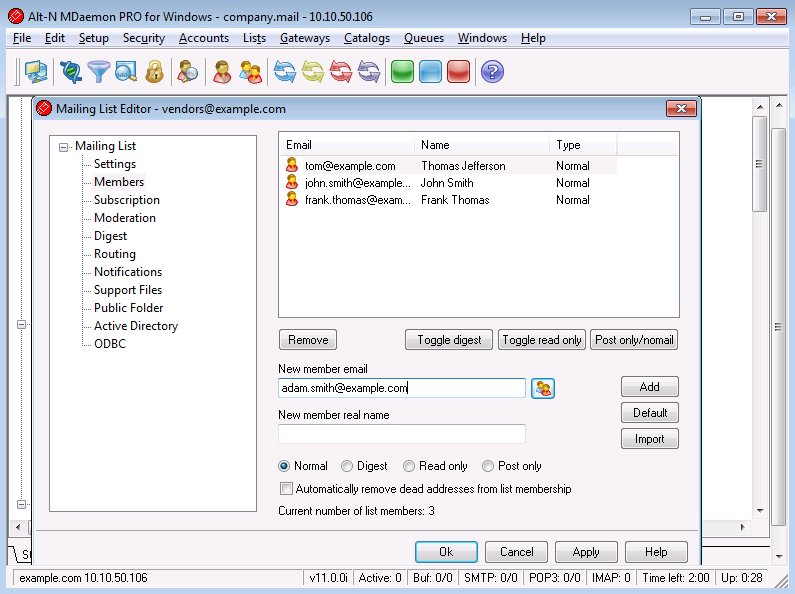
MDaemon: Mailing List Editor Options Tab screen shot

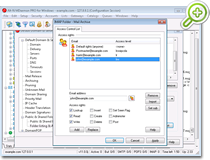
Mailing List Editor Options tab allows you to setup and maintain your mailing lists.


WorldClient LookOut Theme Calendar View

MDaemon: WorldClient LookOut Theme Calendar View

WorldClient's LookOut Theme Calendar View allows you to create appointments, meetings, and memos on a day to day basis. You can also share out your calendar to allow other people to schedule meetings with you.


Content Filter AntiVirus Tab

MDaemon:
Content Filter AntiVirus Tab screen shot

The AntiVirus Tab of the Content Filter allows you to setup how your virus scanner will scan messages, and what to do with infected files.


Primary Domain Configuration Domain/ISP tab

MDaemon:
Primary
Domain Configuration Domain/ISP tab screen shot

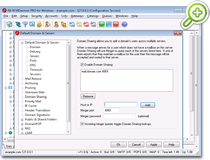
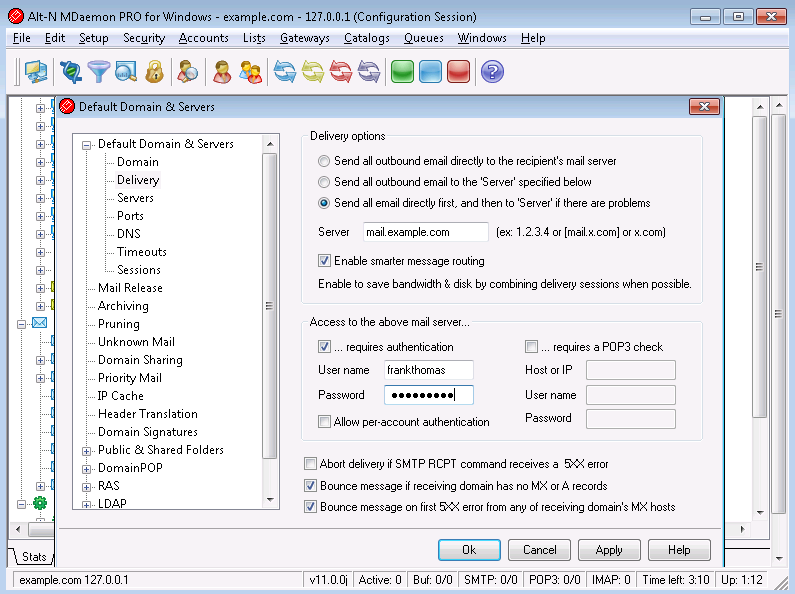
The Primary Domain tab allows you to setup your primary email domain name and IP address. You can also configure how you want MDaemon to send outgoing mail.


WorldClient SSL Setup

MDaemon:
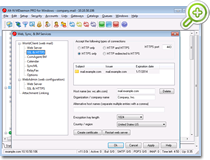
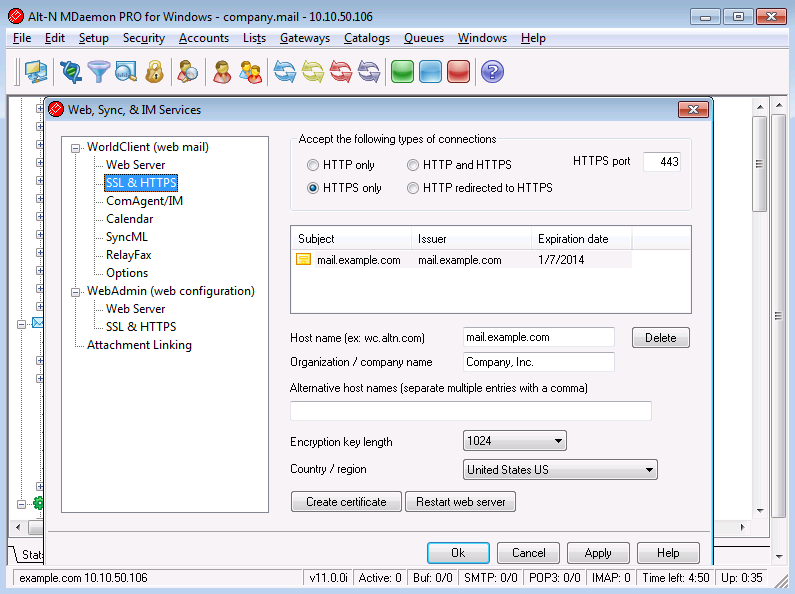
WorldClient SSL Setup screen shot

The SSL & Certificates tab allows you to create new certificates and configure WorldClient to either allow or require the use of secure connection.


Bayesian Classification

MDaemon: Bayesian
Classification screen shot

Bayesian classification is a statistical process through which a machine can actually learn. By analyzing hundreds of known spam and known non-spam messages, detection of both types of mail becomes more and more accurate with time.


Gateway Verification

MDaemon:
Gateway Verification screen shot

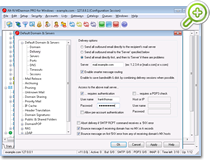
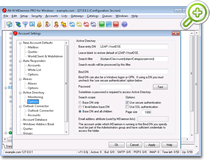
With this option MDaemon will check incoming emails against an LDAP server. The email addresses must exist on the LDAP server or the message is refused.


Spam Filtering

MDaemon: Spam
Filtering screen shot

Spam filtering using a popular OpenSource heuristic technology has been integrated into MDaemon. The homepage for the OpenSource project can be found here: http://www.SpamAssassin.org.


Heuristic Message Scoring System

MDaemon: Heuristic
Message Scoring System screen shot

The heuristic mail filter examines email messages using numerous rules in order to compute a 'score'. This score is then used to determine the likelihood of a message being spam.


Email SSL

MDaemon: Email
SSL screen shot

Security has been greatly enhanced through the integration of SSL technology directly into the mail server! MDaemon's SMTP, POP, and IMAP engines now support SSL encryption which makes MDaemon the most secure mail server on the market today.