



The Dashboard
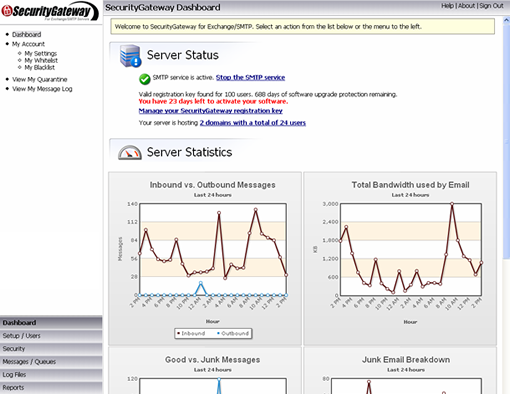
The reports page displays detailed information in a graphical format for ease of trending. Reports are logically organized for quick access.
The Reports
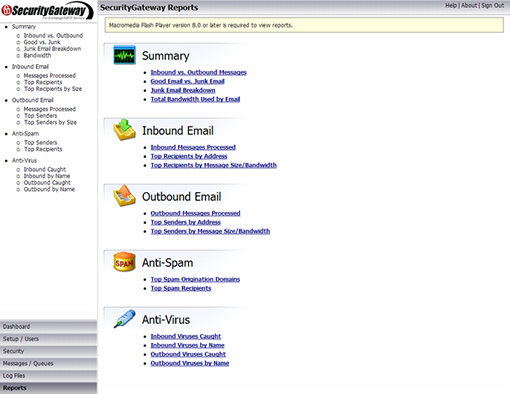
The reports page displays detailed information in a graphical format for ease of trending. Reports are logically organized for quick access.
Inbound Messages
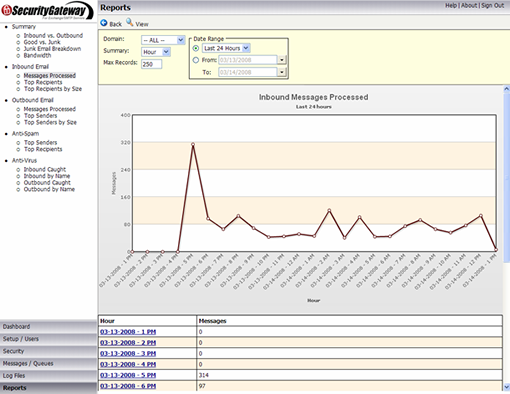
Simple to trouble shoot and find a specific message. For instance a user did not get a message delivered inbound. View Inbound Messages.
Data Point
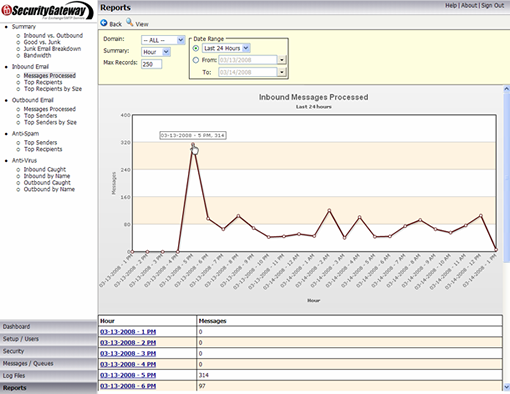
User claims message was sent a little after 5:00PM. The data points are links to the data set for that particular time frame.
Message Finding
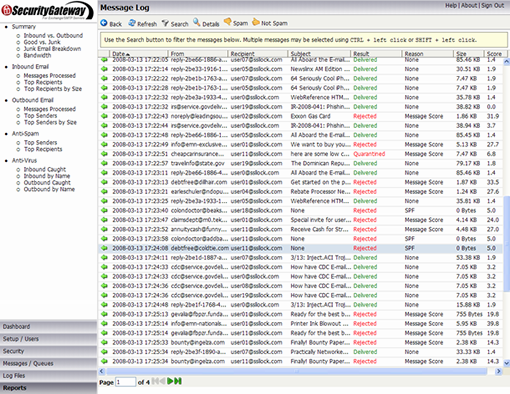
The message is easily found, and the reason easily known. The message was rejected due to an SPF lookup.
Transcript
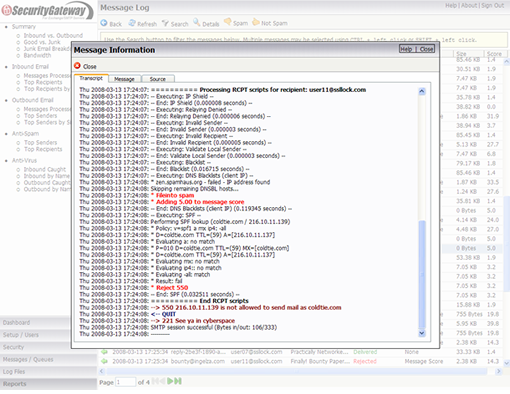
Double-clicking the message shows the transcript of all processing for this particular message. The sender was not using a defined server.
Sieve Filter
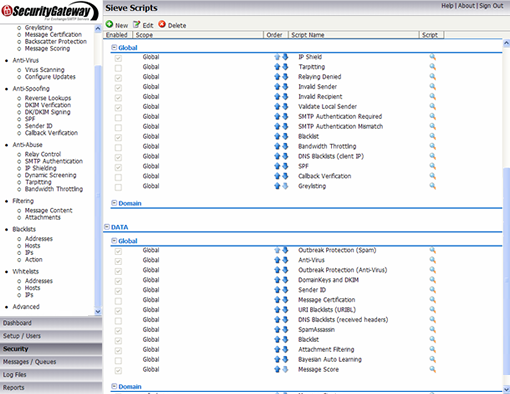
SecurityGateway's layered approach to email processing utilizes the Sieve email filtering language to implement Defense Layer Customization(TM).
Defense Layer Customisation
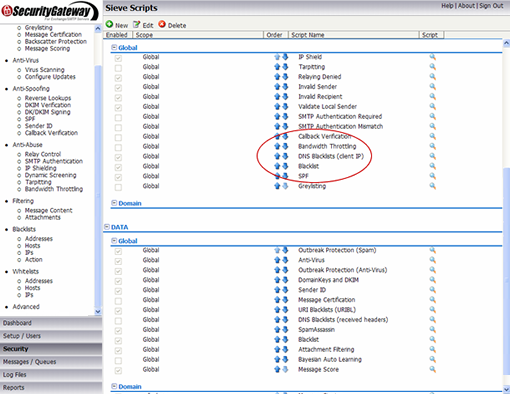
SecurityGateway's layered approach to email processing utilizes the Sieve email filtering language to implement Defense Layer Customization(TM).


 |
Copyright © 2025 TNZ Group LTD. - Sole NZ Distributor for Alt-N Technologies. |